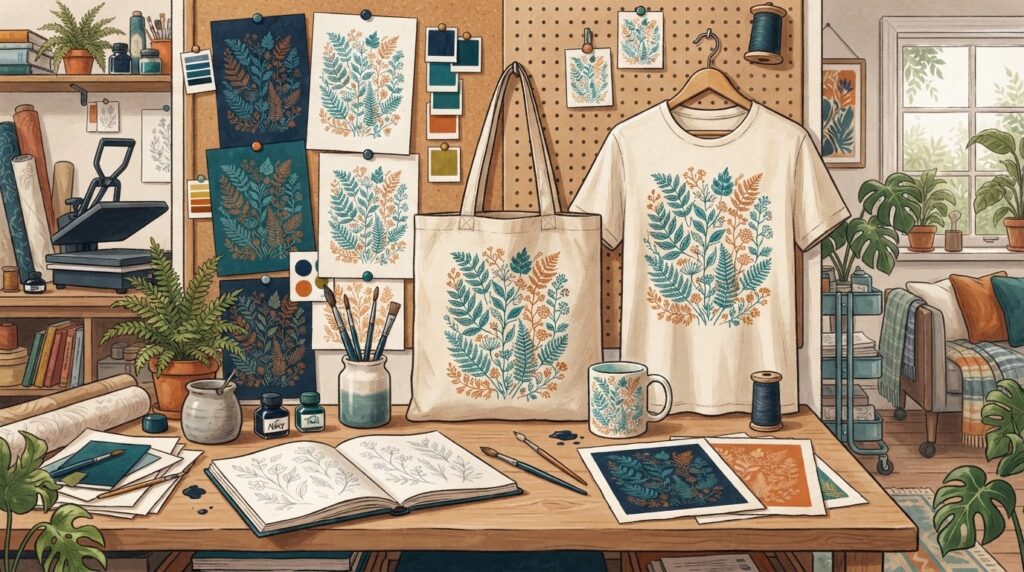
Affiliate disclosure: MentorsReview may earn a commission if you purchase through our affiliate link, at no additional cost to you. This editorial guide is based on documented sources, not hands-on testing.
Print-on-demand buyer guide
Choose an Artistly plan for your first productCompare plans, check commercial-use terms, and see what it takes to turn an AI concept into artwork you can send to a printer.
Affiliate link · Confirm the current price and plan details at checkout.Is Artistly AI suitable for print on demand?
Artistly AI for print on demand is worth considering if your main bottleneck is developing visual concepts rather than fulfilling orders. Think of it as a design assistant, not a complete merchandise business. A seller still needs to choose a product, prepare production files, arrange fulfillment, write accurate listings and handle customer service. The attractive part of an image generator is that it can help explore several directions before you invest in a physical sample. The less attractive part is that every promising image needs inspection. A striking picture on a laptop is not necessarily a good shirt graphic, and a commercially usable image is not necessarily an exclusive asset. Our recommendation is to start with one product and one audience, then judge the tool by the number of usable designs you can finish, not the number of images you can generate. This guide is based on vendor documentation and production guidance, not a claimed hands-on test or a record of sales.
Commercial rights: what you actually need to check
Artistly’s official FAQ permits personal and business use subject to its terms and applicable law. It places responsibility for third-party rights on the user. This is useful for a merchandise seller, but it is not an indemnity or a guarantee of copyright ownership. There are three separate questions: whether the software provider permits the intended use, whether the artwork infringes another party’s rights, and whether your marketplace accepts the product. Passing one does not automatically resolve the others. For example, a generic illustration of a mountain may be suitable for a hiking mug, while an image featuring a recognizable outdoor brand could create a problem even if the generator produced it from scratch. Keep the original prompt, the exported image, the edited master, the receipt and a dated copy of the applicable license. If you intend to sell downloadable source artwork, transfer exclusive rights to a client, sublicense assets or use a team account, ask the vendor to confirm those specific permissions in writing. Do not infer them from a general commercial-use statement. This is practical risk management, not legal advice.
Copyright, trademarks and originality
A commercial license is permission to use a tool or its output under specified conditions; copyright is a separate legal question. The extent of protection for AI-assisted work depends on jurisdiction and human authorship. A shop that relies on exclusive ownership should not build its entire strategy around untouched generated pictures. Develop original compositions, draw or photograph your own elements where appropriate, and keep records of meaningful creative decisions. Even substantial editing does not automatically cure infringement. Before approving a design, search for similar images and relevant trademarks in the markets where you plan to sell. Check text as well as imagery: an apparently ordinary phrase can be associated with a brand in a particular category of goods. Avoid requests for famous characters, celebrity portraits, recognizable sports insignia or copies of existing merchandise. If a design resembles a known property, discard it rather than attempting to disguise it with minor changes. Reverse image searches can flag similarities but cannot certify that an image is legally safe. A qualified lawyer is the appropriate resource for a disputed or high-value design.
Artistly pricing and the plan decision
The vendor’s pricing guide, updated November 14, 2026, lists Commercial at $49 and Premium at $147, each as a one-time purchase. It also lists a $97 in-app upgrade and a 30-day refund window. Its sales FAQ describes a daily fair-use limit of 400 generations. These are advertised terms checked November 26, not a verified checkout transaction; promotions, taxes and terms can change. Commercial is the sensible starting point when you mainly need isolated illustrations and basic editing. Premium is worth evaluating if additional design tools genuinely replace work you would otherwise pay for. The vendor describes extras including multiple images per prompt and advanced text and pattern tools. Do not buy a higher tier merely because it sounds more professional. A $49 purchase followed by the advertised $97 upgrade totals $146 before tax, so there is little advertised price advantage to committing early. Check the precise plan entitlements at checkout, especially if you need a specific export option. Neither plan removes the cost of physical samples, marketplace fees, editing software or your own time. The refund window is an opportunity to evaluate your actual workflow, not a promise that your shop will be profitable.
Step 1: define a product before generating art
Begin with a short design brief. Suppose you want to sell a gardening-themed tote to people who enjoy growing herbs in small apartments. Specify the buyer, the intended bag color, the available print area, the visual mood and the message you want the product to communicate. Decide whether the design will be a single emblem, a typographic composition or a full-area illustration. These decisions matter because they determine the shape and density of the artwork. A wide landscape may fit a poster but leave an awkward empty space on a narrow tote. A detailed botanical scene may lose its appeal when reduced to a small chest print. Download the current template from your chosen fulfillment provider before creating anything. Record the dimensions and printing method in your brief. This prevents a common waste of time: generating beautiful images and later discovering that their proportions are wrong. A small collection with a consistent visual language is a better starting experiment than dozens of unrelated products.
Step 2: write prompts that produce useful concepts
Describe the subject, arrangement, palette and intended physical application. For the gardening tote, an illustrative prompt could be: original arrangement of basil, rosemary and thyme sprigs forming a loose oval, three muted green tones and warm cream accents, bold simplified leaf shapes, generous empty space, centered composition, no lettering, no brand marks. This is a suggested prompt, not a verified Artistly output. Generate a few variations and compare their silhouettes. If the first group looks cluttered, simplify the brief rather than adding more decorative instructions. For a dark shirt, specify a palette that remains readable against dark fabric. For a poster, reserve room for cropping and framing. Keep typography separate when exact spelling matters; adding your own properly licensed type in an editor gives you more control over alignment and readability. Save the prompt and note which variation you selected and why. Over time this creates a reusable design process without assuming that the same prompt will always produce the same result.
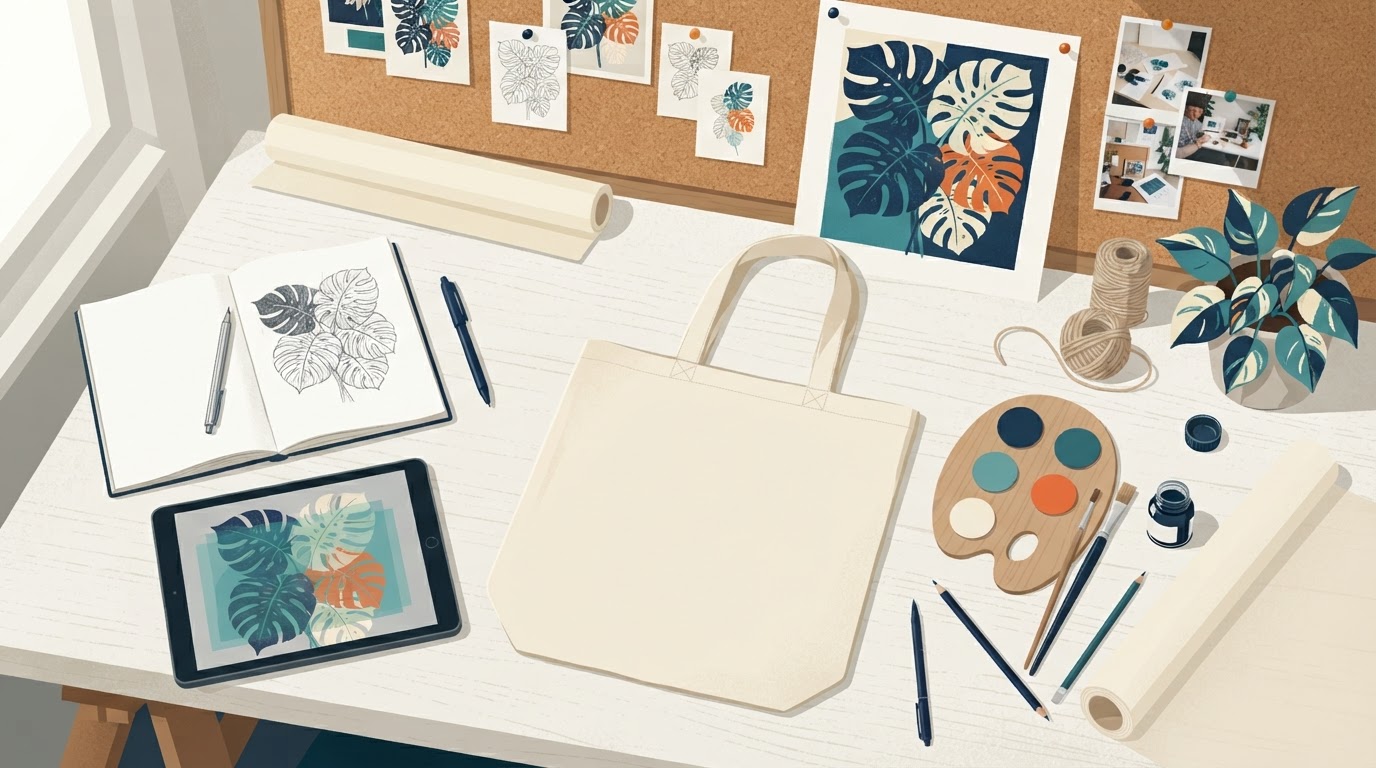
Step 3: edit the selected image rather than accepting it blindly
Inspect the design at its intended physical size and at high magnification. Look for stray marks, irregular borders, accidental letters, inconsistent line thickness and shapes that merge in confusing ways. If you have a botanical design, check whether the leaves connect plausibly to stems. For animal illustrations, check anatomy and repeated features. Simplify anything that will become unreadable on the finished item. Add your own layout, spacing and type where appropriate, and retain an editable master rather than repeatedly modifying a compressed export. Make a light-product version and a dark-product version only when each has been reviewed independently. A color inversion is not always a successful adaptation: shadows and highlights may need redesigning. Name files by collection, product, color and revision so that you can identify the exact file sent to fulfillment. This also makes it easier to replace an outdated design without accidentally changing an unrelated listing.
Step 4: prepare a real print file
Use the fulfillment provider’s product template as the final authority. Printful’s file preparation guidance recommends checking resolution, transparency, color and the selected printing technique. As an illustrative calculation, a 12 by 16 inch print at 300 pixels per inch requires 3600 by 4800 pixels. This is not a universal template or a claim about Artistly’s native output. A file with fewer pixels does not become sharper merely because you change its resolution label. Upscaling may help in some cases, but inspect the resulting edges and textures. For an isolated apparel graphic, a transparent PNG is often appropriate; for a full-coverage image, a JPEG may be suitable if the provider accepts it. Check the recommended color profile and avoid relying on extremely bright screen colors. Keep important content inside the safe area. Open the exported file independently to confirm that transparency is genuine and that the background is not an embedded checkerboard. If the provider flags quality problems, resolve them before ordering a sample.
Step 5: adapt designs to shirts, mugs and posters
A shirt graphic needs to read at conversational distance, so prioritize contrast and a clear focal point. Avoid tiny decorative details that disappear into the fabric texture. A mug design must account for the handle, the printable wrap area and which side faces the viewer when held. A poster allows more visual complexity but needs a deliberate crop and suitable resolution. A tote may fold or crease during use, making a compact central motif more effective than a message that runs across the entire surface. Do not simply stretch one square image into every product template. Instead, make separate layouts using a shared visual motif. A gardening collection might include a centered herb emblem for a tote, a horizontal arrangement for a mug and a more spacious botanical composition for a wall print. Each file should be reviewed separately for placement and legibility. This approach gives the collection a coherent identity without treating different physical products as interchangeable canvases.
Step 6: create honest mockups and order a sample
A mockup is a marketing representation, not proof that a printer can reproduce the design. Use a fulfillment-provider mockup or a properly licensed template that matches the actual product. If you create a lifestyle scene with AI, do not allow it to change the garment construction, product color, dimensions or print position. Clearly identify illustrative imagery where necessary and follow the marketplace’s current image rules. A real sample can reveal problems that a digital preview hides: weak contrast, a design placed too high, unexpected fabric texture or a print that feels too small. Compare the sample with your production file and listing photographs. Photograph the actual item under neutral lighting and record the product variant and supplier. If the sample is disappointing, revise the design or choose another product before spending money on promotion. For related guidance, see our Artistly product mockup guide. No sample was ordered for this editorial article.
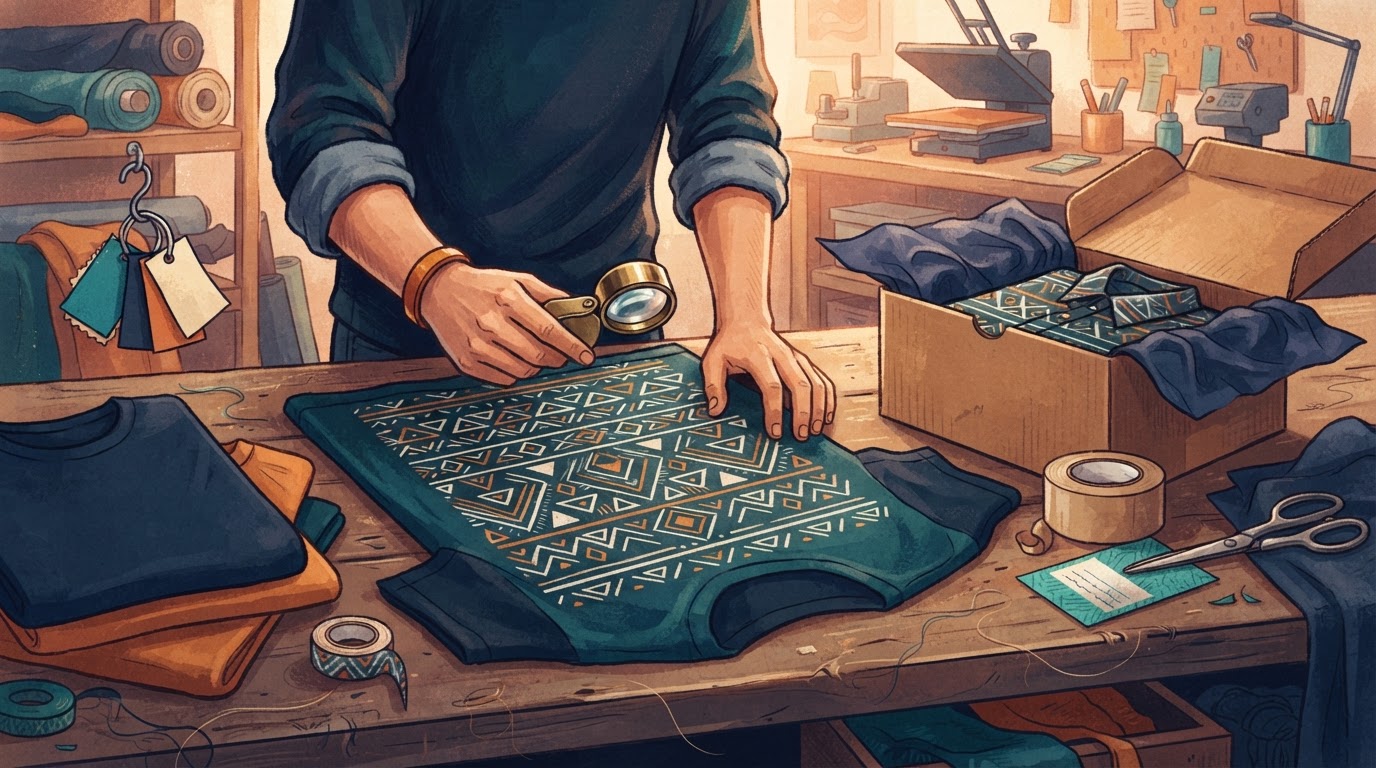
Step 7: marketplace listings and AI disclosure
A product listing should explain what the buyer receives, not simply advertise the visual concept. Include the actual product material, available sizes, care instructions and fulfillment expectations using information from the supplier. If a production partner makes and ships the item, identify that relationship as required by the marketplace. Printful’s recent guidance on Etsy discusses disclosure of seller-directed AI designs and accurate product imagery. Check Etsy’s own current rules before listing, because marketplace requirements can change. A possible disclosure, if accurate for your process, is: I developed this design with AI assistance and refined the layout for printing. Do not describe an AI-generated illustration as hand-painted if it was not. Do not promise that colors will exactly match every monitor. Use descriptive titles that reflect the item and audience rather than stuffing them with unrelated search terms. An accurate listing can reduce avoidable customer complaints and makes it easier to compare the performance of different designs.
Calculate the economics before scaling
The software price is only one component of your business. Consider a hypothetical shirt sold for $25, with $12 in production costs, $5 shipping paid by the seller, $3 in combined selling and payment fees and a $1 allowance for returns or defects. That leaves $4 before advertising, taxes, labor and overhead. If advertising costs $5 per order, the example becomes unprofitable. These are illustrative numbers, not current supplier quotes or expected earnings. Replace every assumption with actual costs for your product, region and marketplace. At a $4 contribution per order, recovering a $49 software purchase alone would require at least 13 orders; a $147 purchase would require 37. This excludes samples and other startup costs. Track the time spent editing and checking each design as well. A tool that produces many attractive concepts but requires extensive repair may cost more in practice than a slower method with fewer revisions. Start with a small collection and expand only when the evidence supports it.
A practical first-week evaluation
On the first day, choose one audience and obtain the product template. On the second, develop several original concepts and select a small number based on clarity and suitability. On the third, refine the artwork and record the license and source checks. On the fourth, export production files and create accurate mockups. On the fifth, submit a sample order if the files pass the supplier’s checks. Use the remaining time to draft listing descriptions, calculate margins and organize your records. The sample may take longer than a week to arrive, so do not confuse this schedule with a promise of a launch date. Evaluate the tool on usable output, editing time, export quality and whether the license answers your intended use. Keep a written list of any unresolved questions for support. If the workflow is not suitable, check the refund deadline promptly. This evaluation is more informative than generating a large gallery of pictures without ever preparing one for production.
Frequently asked questions
Can I sell shirts made with Artistly? The vendor permits commercial projects subject to its terms and third-party rights; verify the specific use and marketplace rules. Do I need Premium? Not necessarily. Start with the tools required by your first product and upgrade only if a documented feature saves meaningful work. Is every generated design unique? Do not assume exclusivity or guaranteed copyright. Can I sell the image itself as a downloadable asset? Confirm the applicable resale and redistribution terms with the vendor before doing so. Does Artistly fulfill orders? This guide treats it as a design tool; arrange printing and fulfillment separately. Can I skip samples? A mockup may help you prepare a listing, but it cannot demonstrate physical print quality. Is a high-resolution export enough? No; composition, transparency, actual pixel dimensions, product placement and rights checks all matter.
Verdict: buy for a defined workflow, not a promise of income
Artistly is a reasonable candidate for a small merchandise business that needs help developing original visual directions and can handle editing, rights checks and production preparation. It is less suitable if you require guaranteed exclusive ownership of every output or expect a generator to run the entire shop. Compare the Commercial and Premium plans and read our Artistly AI overview before choosing. The most useful next step is to define a single product, confirm its file requirements and evaluate the advertised plan against that specific project. Check the current checkout price and license before paying.
Official references
Accessed November 26, 2026. Verify current terms before purchase.