Affiliate disclosure: We may earn a commission from qualifying purchases through our links, at no extra cost to you.
TalkingPhotos Review & Black Friday Deal
Advertised Black Friday coupon: BF40. Compare Basic and All-Access before choosing your photo-to-video workflow.
Check TalkingPhotos Plans & BF40 →
Coupon eligibility, checkout acceptance and applicable tax determine the final price. No verified sale end date was found.
This TalkingPhotos review focuses on a practical question: can turning a still image into a talking, singing or dancing video fit your content process? The product is worth investigating for short character-led videos, educational introductions and creative social content. Choose a plan around the length and controls you need, then judge the result against your audience’s expectations.
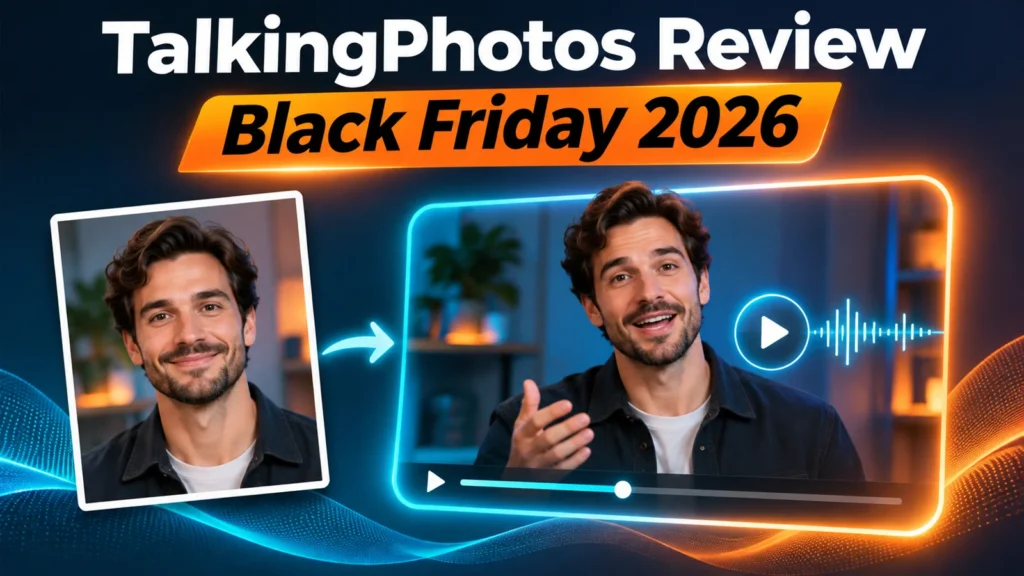
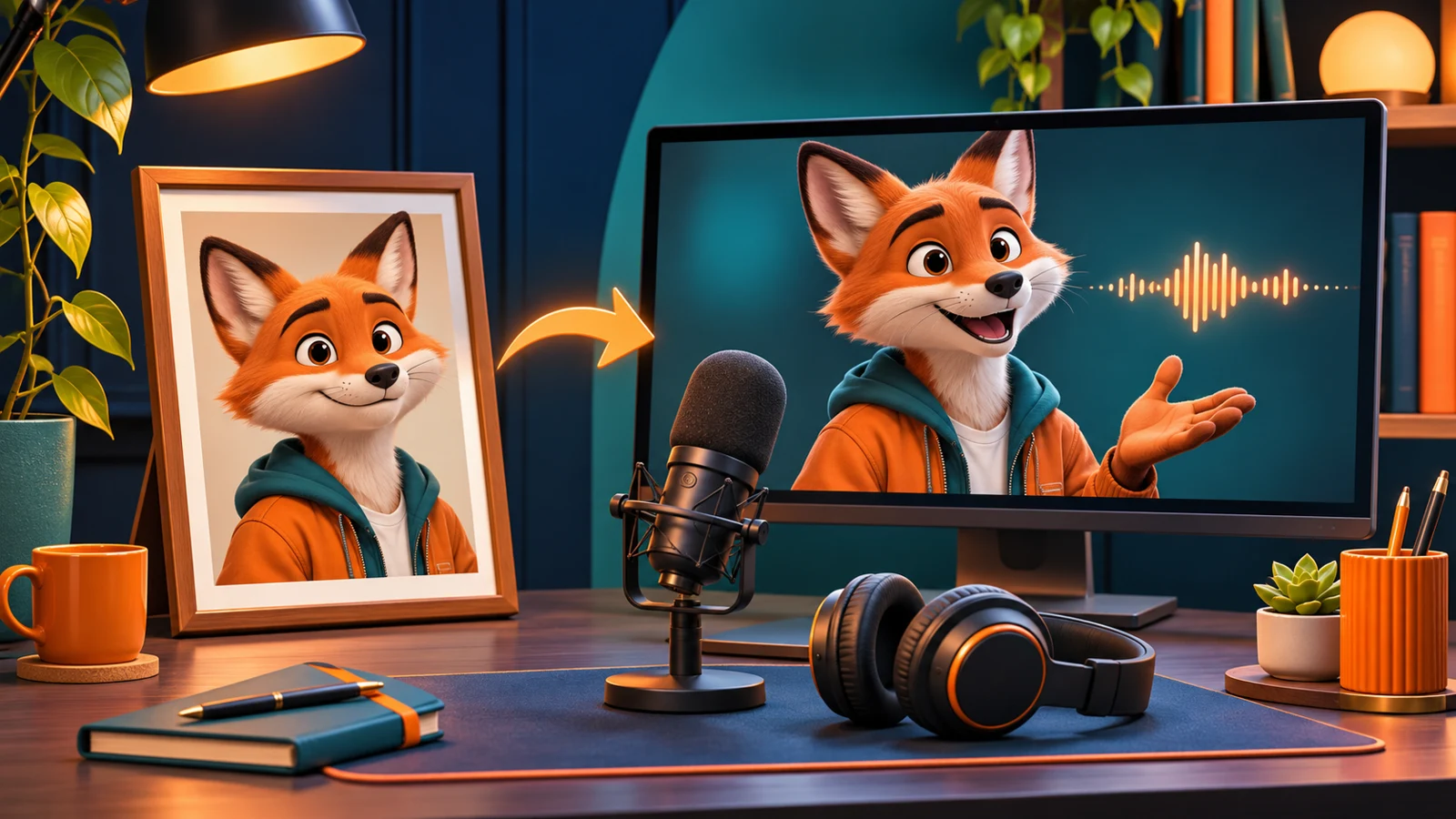
Review method: This is an editorial assessment of official product documentation, published plan details and third-party user feedback, checked November 24, 2026. We have not purchased access, run our own render tests or verified checkout acceptance. Illustrations on this page are conceptual; they are not tested TalkingPhotos output. We do not assign an invented hands-on score.
TalkingPhotos review: our buying verdict
My recommendation is to shortlist TalkingPhotos when you want an image to perform a script or musical idea and you are willing to review the result. It is a more specific task than building a complete film from a broad prompt. Before buying, decide whether you need a simple short introduction or a longer sequence with extra editing controls.
| Good reason to investigate | What to verify first |
|---|---|
| Short character introductions and social clips | Voice clarity, lip movement and mobile framing |
| Educational characters or fictional mascots | Image consistency and accurate pronunciation |
| Talking or singing content with longer scripts | Selected plan’s duration limits |
| Detailed professional animation work | Whether the available controls meet your brief |
A polished sample on a sales page cannot tell you how your exact image, language or script will render. Start with a modest project and a written acceptance checklist. That gives you a useful standard for comparing the software with your current approach.
Who should be cautious?
If you need frame-by-frame control, exact choreography or a guaranteed turnaround for client work, check those requirements before committing. If you only need an ordinary slideshow, the ability to animate a speaking character may add little value.
For marketing, the character should help explain the message. An animated face is not a substitute for a clear offer, accurate information or a useful next step.
What TalkingPhotos offers
The official page presents photo-to-talking, singing and dancing workflows, with uploaded images or generated characters. It lists text-to-speech and audio uploads, facial movement, character actions and scene merging. All-Access additionally lists tools such as Action Replicator, Avatar Swap, captions and CloneVoiceAI integration. Treat these as published capabilities, not independent quality measurements.
Photo-to-talking video: the clearest starting point
A useful first project is a short welcome message from a fictional mascot or an introduction to a lesson. Write the script so it still makes sense as audio alone, then check whether the animation supports the tone. This keeps the task manageable and makes defects easier to notice.
Watch the mouth during difficult sounds and look at the eyes, teeth and edges of the face. Evaluate the result at normal playback speed as well as in short sections. Avoid deciding solely from a single attractive frame.
Singing and action tools: evaluate timing
A music-driven clip needs more than an attractive character. Check whether the performance follows the timing of the audio and whether the movement looks coherent for the intended scene. A brief clip can be a better starting point than a long song.
The vendor provides examples on its sales page. Use those to understand the proposed workflow, then evaluate your own material separately. We have not reproduced those examples or verified that every style performs equally well.
Voice, captions and integration: confirm the complete workflow
Pronunciation, pacing and intelligibility matter more than the number of advertised voices. Test names, abbreviations and any technical words you plan to use. If you create multilingual content, ask a fluent speaker to check the message before publishing.
An integration is a connection between tools, not automatically a license to another paid product. Before depending on CloneVoiceAI, confirm what access you need. Check the selected plan’s list for caption and recording tools as well.
View the vendor’s TalkingPhotos examples and feature demonstrations. These are vendor-provided materials, not our own test results.
TalkingPhotos pricing and Black Friday 2026
For a side-by-side comparison of clip lengths, daily limits and upgrade considerations, see our TalkingPhotos pricing guide.
The reviewed sales page lists Basic at $49 one-time and All-Access at $97 one-time. The vendor’s separate Black Friday campaign advertises BF40 for 40% off TalkingPhotos. The calculated discounted totals below apply only if checkout accepts the full reduction against those listed prices.
| Plan detail | Basic | All-Access |
|---|---|---|
| Published one-time price | $49 | $97 |
| Calculated price if BF40 applies | $29.40 | $58.20 |
| Talking-video length listed | 1 minute per video | 5 minutes per video |
| Singing-video length listed | 1-minute per-video limit in Basic recap | 3.5 minutes per video |
| Daily fair use | Separate daily cap not stated in recap | 60 videos per day |
| Selected advanced tools | Check Basic inclusion list | Action Replicator, Avatar Swap, captions and integration listed |
These are calculations, not verified checkout totals. $49 × 0.60 = $29.40; $97 × 0.60 = $58.20, before applicable tax. Confirm plan eligibility, currency and the accepted coupon before payment. Do not assume other discounts stack with BF40.
Basic vs All-Access: choose by the hardest requirement
If your next project fits within a minute, investigate Basic first and check every required tool against its inclusion list. If longer talking clips or a specifically listed advanced tool is essential, investigate All-Access. Spending less on a plan that cannot deliver your brief is not a saving.
Do not assume the published $48 price gap is an upgrade quote for an existing account. Confirm the current upgrade process with support before paying twice. A seasonal coupon can also apply differently to an upgrade and a new purchase.
How to check the BF40 offer
- Open the current offer: use our TalkingPhotos affiliate link and identify the selected package.
- Read the plan summary: confirm the video length and tools your project requires.
- Apply BF40 where available: check the coupon field and the revised total; remove a different code if necessary rather than assuming stacking.
- Review the bill: check currency, applicable tax, optional additions and the payment model.
- Keep the receipt: retain your purchased plan, support information and the terms shown at purchase.
If the code does not work, resolve the mismatch before paying. The vendor’s campaign page and the product checkout serve different purposes: a campaign can advertise an offer while checkout determines what your selected order actually costs. We have not independently completed that step.
A useful first-video checklist
1. Pick an image that supports the message
Use a clear subject and a composition that leaves room for the movement you want. Avoid starting with a crowded scene that makes it hard to identify the speaker. For a fictional mascot, keep reference images together so you can compare continuity across scenes.
For a real person, use material you have permission to upload and animate. Do not present a synthetic performance as a genuine recording or endorsement. Label the format when viewers could reasonably misunderstand what they are seeing.
2. Keep the first script short
Write one message with one intended action. A lesson introduction, product explanation or brief character exchange is easier to assess than a long presentation. Read the script aloud before creating audio, and remove sentences that do not help the viewer.
Check whether important words need extra time. If the script depends on text appearing on screen, review it at phone size. An audience should not have to pause repeatedly to understand the point.
3. Review the result before building a series
Generate a small, representative piece and inspect speech, motion and framing. Keep a record of what you changed between attempts so you can identify the settings that helped. Do not expand to a large campaign until the small version meets your requirements.
Include failed attempts when estimating effort. The cost of production includes scripting, audio preparation, reviewing and revisions, not merely the act of pressing a generation button.
4. Export for the actual viewing context
Review the finished file on the device and channel that matter. Look for cropped faces, unreadable captions, abrupt audio changes and distracting motion. A wide composition can need a different layout when adapted for vertical viewing.
Store finished files and the source script together. If a price, date or product claim changes, you should be able to identify the exact clip that needs replacing. This is particularly useful for seasonal campaigns.
Limitations and user feedback to consider
The strongest caution is the difference between advertised output and the result on your own material. Public user reviews include positive comments about ease of use and creative applications, alongside concerns about motion, customization, lip-sync and rendering. Those reports are individual experiences, not controlled performance tests.
Read recent TalkingPhotos user reviews on Capterra and look at the reviewer’s project, date and any incentive disclosure. A high rating alone does not establish that the product handles your language or required format.
“Unlimited” includes fair use. All-Access has a published 60-videos-per-day cap. Basic’s separate daily allowance is not clearly stated in the plan recap. Ask support about counting rules and capacity if you expect a large batch of revisions or a deadline-sensitive workflow.
One-time payment still depends on an online service. Buy for the current capabilities and terms, and keep local copies of completed work. Do not read a promotional price-change warning as a guaranteed deadline or as proof of future service availability.
The refund policy is not a free trial. The reviewed offer advertises 30-day money back. Check the current instructions and keep your invoice if you need to contact [email protected]. We have not tested refund handling.
TalkingPhotos vs related tools
If your script needs a digital business presenter for training or onboarding, see our HumanPal review for its avatar options and video-length limits.
Choose by the deliverable. A talking character, a general generated video scene and a template-based promo can require different tools. Do not assume a product with “video” in its name provides the same controls as another.
| Main project | Relevant reading | Decision to make |
|---|---|---|
| Animate a speaking or singing photo | This TalkingPhotos review | Image, audio, length and action requirements |
| Investigate a broader generated-video workflow | VideoExpress.ai review | Clip controls and plan limits |
| Prepare illustrated source material | Artistly AI review | Image creation and editing requirements |
| Build a template-led promo | VideoCreator buying guide | Templates, resolution and package |
These links provide separate product context. They are not a side-by-side benchmark, and you do not need every tool to complete one project. Start with the gap in your current process and compare only the products that address it.
TalkingPhotos review and Black Friday FAQ
What is the TalkingPhotos Black Friday coupon?
The vendor’s Black Friday campaign advertises BF40 for 40% off TalkingPhotos. Confirm that the coupon is accepted for your selected plan and review the total before paying.
How much does TalkingPhotos cost?
The reviewed sales page lists Basic at $49 and All-Access at $97 as one-time payments. If a full 40% discount applies, the calculated prices are $29.40 and $58.20 before applicable tax; these are not verified checkout quotes.
What does the 60-videos-per-day limit mean?
The official FAQ applies a fair-use limit of 60 videos per day to All-Access. The Basic recap does not state a separate daily cap, so confirm its allowance with support rather than assuming it is unrestricted.
How long can a TalkingPhotos video be?
The Basic recap lists one minute per video. All-Access lists five minutes per talking video and 3.5 minutes per singing video. Merging scenes is a separate workflow from the length of one generation.
Is TalkingPhotos a free trial?
The reviewed offer requires payment and advertises a 30-day money-back guarantee. A refund guarantee is not the same as a free trial. Check the current policy and purchase date if you need support.
Does CloneVoiceAI integration include a CloneVoiceAI subscription?
An integration listing alone does not establish that a separate product license is included. Confirm any required account, purchase or access with the vendor before relying on that workflow.
Final recommendation: buy for a defined project
TalkingPhotos is worth investigating for image-led character videos when its plan limits and creative controls match your brief. Basic deserves consideration for short work; All-Access deserves consideration when a named advanced feature or longer clip is essential. Validate output with your own material before promising a large project.
For Black Friday, check BF40 and the final order summary. The advertised discount can make the purchase more attractive, but the best choice remains the plan that supports a real deliverable you intend to finish.
Check TalkingPhotos & Black Friday Availability →
Sources: Official product and plan page, vendor pricing guide, vendor Black Friday campaign and the user-review source linked above. Reviewed November 24, 2026. Published claims and editorial assessment are distinguished throughout.
TalkingPhotos Black Friday
Advertised: BF40 • 40% off