Affiliate disclosure: We may earn a commission if you buy through our links, at no extra cost to you.
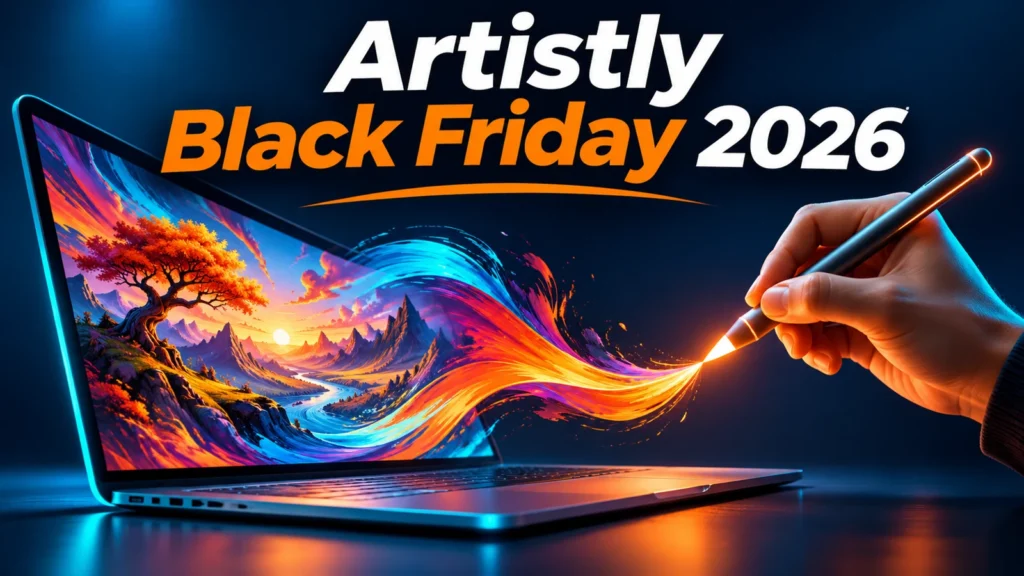
Artistly Black Friday 2026
Officially advertised coupon: BF40. Compare the plans, check your final total, and buy for the creative work you actually need.
Check Artistly’s Black Friday Deal →
Checkout acceptance, eligible plan and tax determine the final price. We have verified the advertised offer, not completed a checkout or purchase.
The Artistly Black Friday deal advertises 40% off with coupon BF40. That makes this a useful time to compare its one-time-payment plans if you regularly need blog graphics, marketing illustrations or visual concepts. The important buying decision is whether the included tools match your workflow—not simply whether the discount looks large.
This guide separates the live promotional claim from calculated prices and practical buying advice. It is based on the official sales and pricing pages checked on November 24, 2026. It is a researched deal guide, not a claim that we personally tested every feature or measured generation quality.
Want to animate a character image? Our TalkingPhotos review and Black Friday guide compares the photo-to-video plans, duration limits and advertised coupon.
Artistly Black Friday deal: what is confirmed?
The official Artistly sales page currently displays BF40 and a 40% Black Friday promotion. Its published reference prices are $49 for Commercial and $147 for Premium, sold as one-time payments. The page also describes a 30-day money-back guarantee and a fair-use limit of 400 image generations per day. Check the current plan description when you order because the feature list and promotions can change.
| Plan | Published reference price | If BF40 applies in full |
|---|---|---|
| Commercial | $49 one-time | $29.40 before applicable tax |
| Premium | $147 one-time | $88.20 before applicable tax |
Price calculation, not a checkout quote: $49 × 0.60 = $29.40 and $147 × 0.60 = $88.20. These are conditional estimates. Only pay if the selected plan, accepted coupon, currency and final total match what you intend to purchase. No verified end date was found on the reviewed sales page.
A percentage alone can hide the decision that matters. If the lower plan handles your monthly workload, the more expensive tier is still an extra expense even at a discount. If you need one specific advanced tool for a client project, the cheaper tier can become a false economy. Start with the deliverable, then work backward to the plan.
How to apply the BF40 coupon
- Open the offer: use our Artistly affiliate link and review the current offer.
- Select your plan: confirm whether you are choosing Commercial or Premium, rather than assuming every feature belongs to both.
- Enter BF40: if checkout provides a coupon field, apply the code and wait for the order summary to update.
- Read the final total: check the discount, applicable tax, currency and billing arrangement before payment.
- Keep your receipt: retain the purchased plan, offer wording and support details so you can refer back to them later.
If the code is rejected, do not finish the purchase expecting an automatic refund of the difference. Recheck the spelling, the selected product and the official promotion. Contact the vendor if the banner and checkout disagree. Avoid trying to combine unrelated codes unless checkout explicitly supports that arrangement.
There is also no need to rush because an unrelated coupon website shows a countdown. A purchase should depend on a clear order summary and a real use for the software. Treat an unverified deadline as unknown and use the current official checkout as the authority on what you will pay.
View the Current Artistly Offer →
Commercial or Premium: which should you choose?
Compare tools, fair use and upgrade costs in our Artistly Commercial vs Premium guide.
Think of Commercial as the starting point to investigate for general image creation, and Premium as the tier to investigate when a named advanced feature is central to your project. The vendor lists capabilities such as image generation and editing, while its Premium recap highlights consistent characters and additional creative tools. Feature labels can overlap, so ask support about any must-have tool that is not clearly assigned to a plan.
Choose by your next three projects
Write down three things you intend to produce in the next month. A useful list might be an article illustration, a social campaign concept and a product background. Beside each item, note the required image size, the amount of text and whether the subject must remain consistent across multiple scenes. That turns a long feature page into a short requirements list.
Then identify the hardest requirement. A single decorative blog illustration has different needs from a ten-scene character sequence. A broad image generator can be useful for the first task, while the second requires attention to continuity and editing. Do not buy an advanced plan only because it includes more tools you might eventually use.
| Your project | What to verify | Buying approach |
|---|---|---|
| Occasional article visuals | Export dimensions and core editing tools | Investigate the lower tier first |
| Repeated characters across scenes | Specific consistency tool and tier eligibility | Compare the Premium feature list |
| Client or store graphics | Commercial terms and output accuracy | Confirm the deliverable requirements |
| Large batch production | Daily cap and permitted workflow | Check capacity before purchasing |
For broader background, read our Artistly AI review. This page focuses on the seasonal offer and buying decision so that you can compare the deal without losing the longer product context.

A practical first-week project checklist
A discounted creative tool becomes worthwhile when you can turn it into finished work. Set up a small evaluation project immediately after purchase. Use material you already understand so that you can judge whether the result is correct, rather than being distracted by an attractive style.
1. Build one useful blog illustration
Choose an article that needs a conceptual visual. Describe the subject, background, composition and intended crop in plain language. Keep the first version simple: one main object, a clear focal point and enough empty space for a responsive crop. Compare the result with the article itself and reject anything that could mislead a reader.
A generated concept image should not masquerade as a product photograph or evidence from a test. If your article discusses a real device, keep its specifications in the text and use verified photography when appearance matters. An illustration can introduce a topic without claiming to document the exact hardware.
2. Prepare a social graphic with readable text
Use a short message and check the graphic at the size it will appear in a mobile feed. Any visual text deserves a separate proofreading pass. Check spelling, punctuation, contrast and spacing around the edges. If a generation looks attractive but mangles a key word, fix the wording before scheduling the post.
Keep an editable master and make separate exports for each channel. A wide blog header rarely crops perfectly into a square social card. Plan for those variations before you start so that the main subject survives the crop. This is also a useful way to compare how much manual editing the tool adds to your workflow.
3. Test an image against a real brand brief
Write a short brief containing the audience, the message, the desired mood and the elements you must avoid. Ask for a few variations, then compare them against the same brief. The strongest result is the one that supports the message, not necessarily the most elaborate picture.
For a client project, document what was generated and what you changed. Do not promise pixel-perfect brand consistency before you have checked actual output. A practical acceptance checklist should cover visual accuracy, legibility, export format and whether the client can make future revisions without rebuilding the entire asset.
4. Track finished assets instead of raw generations
Count the number of images you actually publish or deliver during the evaluation period. Record the time you spend writing prompts, rejecting outputs, editing and exporting. A tool that creates many attractive drafts may still be a poor fit if few become usable final assets.
Compare that workload with your current process. If the tool saves time on routine visuals, keep using it for those tasks. If your main work requires detailed manual control, consider using generation only for early concepts. You do not have to replace your entire design process to get value from one part of it.
Important limits before buying
“Unlimited” still has a daily ceiling. The published fair-use policy identifies 400 image generations per day. If you work in batches, estimate the number of drafts and revisions required for a normal project. Ask support how the cap is counted if that detail affects your workload.
A one-time payment does not remove dependence on the service. Buy for the capabilities available under the current terms. Keep copies of your finished work and your purchase records. Avoid building a business forecast on the assumption that every future capability, service level or policy will remain identical.
Commercial use still needs a review of your material. The vendor allows commercial projects subject to its terms and respect for third-party rights. Avoid uploading assets you do not have permission to use. For important brand, publication or client work, check the applicable platform and licensing requirements before delivery.
Output needs quality control. Inspect fine details, readable words, anatomy where relevant, repeated objects and anything presented as factual. For ecommerce imagery, compare the picture against the real product. A beautiful image that changes an important product detail can create more problems than it solves.
Is the Artistly Black Friday offer worth it?
The offer is worth considering if you already have repeatable visual tasks and a clear plan for using the software. It is less compelling if you mainly want to collect discounted tools. Set a small practical goal, such as finishing three assets for existing content, and judge the purchase against that goal.
Use your own costs for a simple break-even estimate. For example, if a tool purchase costs $29.40 before tax and you estimate a genuine $10 saving per completed asset, three finished assets would roughly cover that purchase price. That is an illustrative calculation, not a prediction of earnings or a claim about how quickly you will work.
For Premium at a conditional $88.20, the same $10 assumption would take around nine finished assets. Your numbers may be very different. Include your editing time and the value of tools you already own so you do not count savings twice.
If video is the next step in your content process, our VideoExpress.ai review covers a related category. For animated explainer work, see the DoodleMaker review. Compare the output you need before adding another purchase to your workflow.
Artistly Black Friday FAQ
What is the Artistly Black Friday coupon code?
The official page advertises BF40 for 40% off as checked on November 24, 2026. Verify acceptance and the final price in checkout before paying.
How much could Artistly cost with BF40?
If the full discount applies to the published $49 Commercial price, the calculation is $29.40 before tax. Applied to $147 Premium, it is $88.20. These are conditional calculations, not verified checkout totals.
When does the Artistly Black Friday sale end?
No exact end date was verified on the reviewed page. Check the live promotion for changes rather than relying on a third-party countdown.
Does Artistly charge monthly?
The reviewed offer advertises one-time payments. Check your order summary and the selected plan before purchasing.
Can I request a refund?
The vendor advertises a 30-day money-back guarantee. Review the current policy and contact [email protected] with your purchase details if you need help.
Final buying recommendation
Start with a concrete project and the lowest plan that clearly supports it. If your work requires a named Premium feature, confirm that requirement before ordering. Apply BF40, review the complete order summary and keep a copy of the terms shown at purchase.
Check Artistly Plans & Apply BF40 →
Sources and update policy: Official Artistly sales page and Artistly pricing guide, reviewed November 24, 2026. The live sales page displays BF40; the older pricing article mentions earlier promotions. We prioritize the current banner for the advertised offer. We have not independently tested checkout acceptance, output quality or refund handling.
Artistly Black Friday
Advertised: 40% off • Code BF40