Hostinger savings guide · October 4, 2026
A better hosting deal starts with the final checkout.
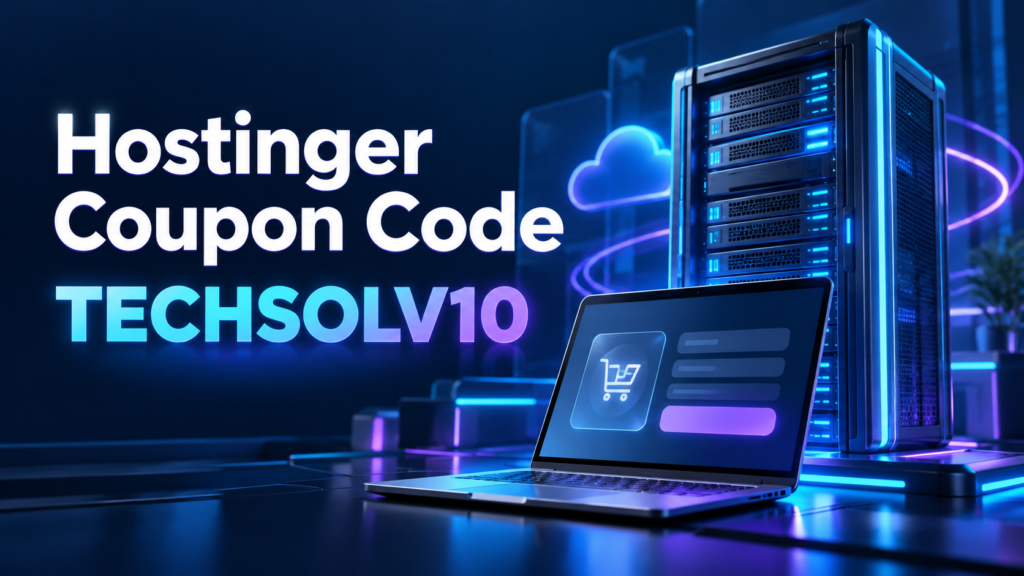
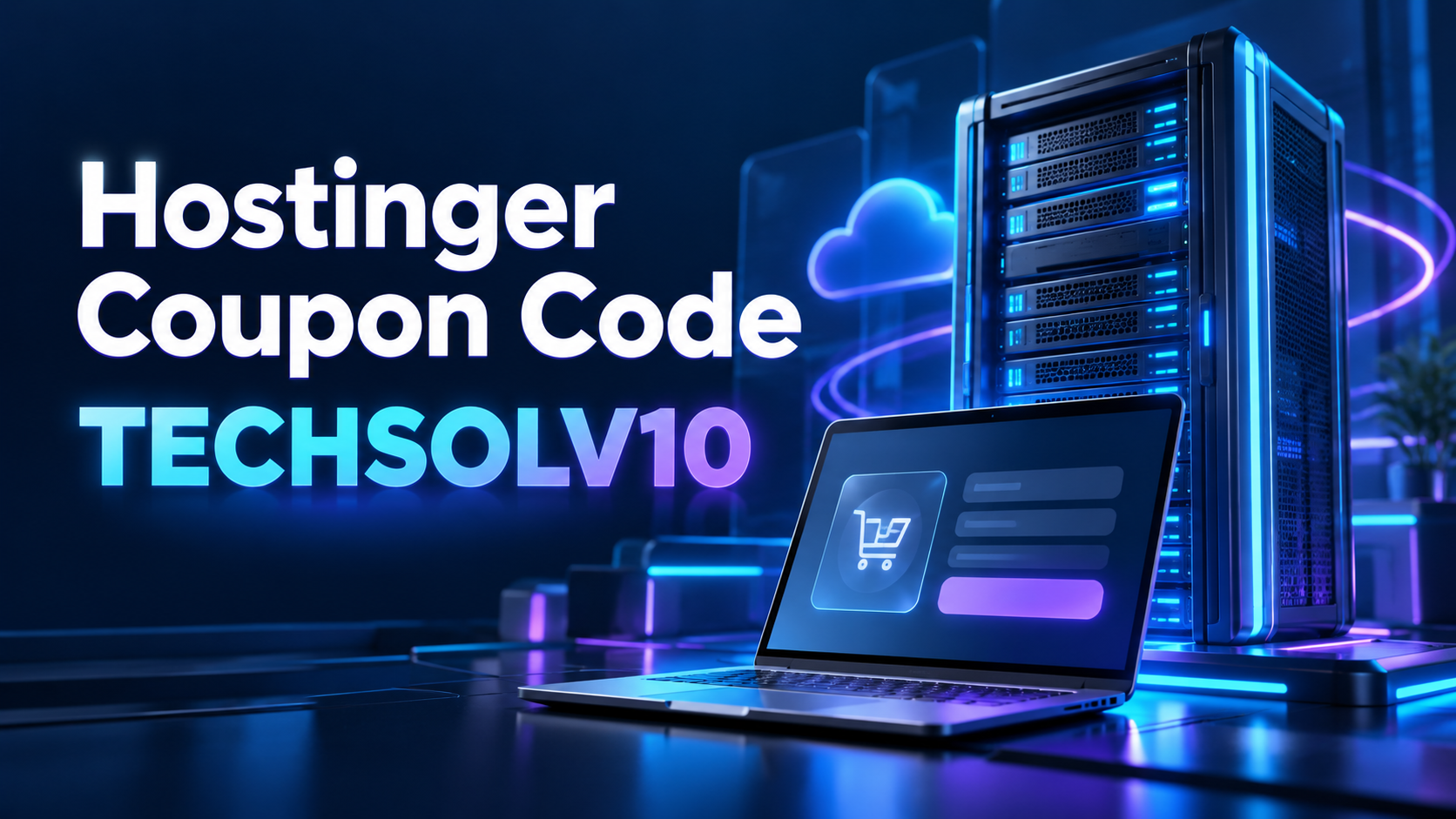
Use TECHSOLV10 to try our 10% Hostinger discount offer on an eligible purchase. Choose the right plan first, apply the code, and compare the complete bill before you commit.
Affiliate disclosure: MentorsReview may earn a commission when you buy through our links, at no extra cost to you. This guide explains the offer and checkout process; it does not guarantee a discount on every order.
Quick answer: how do you use TECHSOLV10?
Open our Hostinger offer link, choose a suitable plan and billing period, then enter TECHSOLV10 in the coupon section and apply it. Look for an accepted-code message and a changed order summary before paying. If the cart rejects the code or the total does not change, do not assume you received the advertised saving.
Compare the discounted first payment with the renewal quote. A coupon can improve an eligible purchase, but it does not make a long subscription or an oversized plan the right choice for your website.
What this Hostinger coupon offer means
This page gives you one code and a practical way to evaluate it. Our affiliate offer is a 10% discount code, TECHSOLV10, used with the linked Hostinger promotion. The important word is eligible. A product, subscription duration, regional storefront or account situation can affect whether the checkout accepts it.
We do not label the code “tested today” because we have not completed an independent transaction using it. We also do not attach an invented countdown, claim every plan qualifies or promise that it beats every other offer. Those claims would make a coupon page look more exciting while making it less useful.
The final cart is the best place to assess your purchase. Read the product name, duration, discount line and payment amount together. If a landing page displays a low monthly equivalent, the checkout may still require a larger prepaid payment. That difference matters when you are comparing cash commitments.
Keep the offer separate from your plan choice. A small discount on an unnecessary upgrade can still leave you paying more than you need. Start with your website requirements and use the coupon after you have identified a suitable service.
How to apply the Hostinger discount code
1. Open the offer and choose your service
Use the orange offer button on this page to reach Hostinger. Confirm you are looking at the product you intend to buy. Web hosting, a website-building product, email and a server service can serve different needs. Similar promotional language does not mean they are interchangeable.
For a WordPress website, inspect the hosting plan’s resource and recovery features. For a visual website builder, inspect the editor and export or migration options that matter to your project. For an application that needs server control, check its deployment requirements before choosing a service.
2. Select the billing period you can afford
Read the total due for each available period. A longer commitment may have a lower equivalent monthly rate, but it also ties up more money upfront. Make sure the term fits your expected project life and your confidence in the platform.
Hostinger’s official purchasing instructions describe choosing a duration and entering a coupon in the designated section, then selecting Apply. The visual arrangement may change, so use the labels in your current checkout.
3. Enter TECHSOLV10 and apply it
Enter the code without spaces before or after it. Use the exact characters shown here: TECHSOLV10. Apply the code and wait for the checkout to show its result. Merely typing into a coupon field may not update the order until you press its confirmation control.
Do not treat the referral link itself as proof that the coupon was applied. The link identifies the offer route, while the coupon is something you should verify in the order summary. Check both the acceptance message and the amount you will actually pay.
4. Review the complete order
Confirm the plan, term, currency, tax treatment and optional items before submitting payment. Check whether a domain or email benefit is limited to the first year. Record the renewal quote for services you expect to keep.
Save a copy of the final summary and the invoice after purchase. That gives you a useful reference when you later check the subscription or ask support about a discrepancy. Keep account and payment information private when sharing screenshots for help.
How much could a 10% coupon save?
The arithmetic depends on the amount eligible for the coupon. Multiply that eligible subtotal by 0.10 to estimate a 10% reduction. This calculation does not prove that your entire cart qualifies, that taxes are discounted or that another promotion combines with the code.
| Illustrative eligible subtotal | 10% reduction | Subtotal after reduction |
|---|---|---|
| $100 | $10 | $90 |
| $150 | $15 | $135 |
| $200 | $20 | $180 |
These are arithmetic examples, not Hostinger plan prices or verified checkout quotes. A cart with several products may apply the code to one eligible line while leaving others unchanged. Compare the same products and billing period before and after applying it.
Imagine that a hosting subtotal falls by $15, but an optional add-on increases the basket by $20. The coupon worked, yet the complete purchase is still $5 higher than the simpler basket. Removing an unwanted service can matter more than chasing another percentage point of discount.
Your checkout shortcut
Ready to compare your eligible checkout?
Try our 10% discount code on eligible Hostinger purchases.
Can you combine TECHSOLV10 with another coupon?
Hostinger’s official coupon page states that coupons are limited to one per order. Do not add together two advertised coupon percentages and present that sum as your saving. A promotion already shown on a plan card also needs to be evaluated through the final cart.
If the checkout already has a coupon attached, record that quote before trying another eligible code. Compare the same plan and term. You want the better complete price, not the largest-looking percentage on a banner. A different starting subtotal can make percentage comparisons misleading.
We do not guarantee that TECHSOLV10 combines with every existing promotion. Let the checkout explain what it accepts. If changing the coupon changes a benefit or removes another discount, include that change in your comparison.
Will the code work for renewal or an existing account?
A new purchase, an upgrade and a renewal are separate situations. A code accepted for one does not establish eligibility for the others. Existing customers should inspect the offers and renewal options attached to their own subscription rather than assuming a public introductory deal applies.
Hostinger’s renewal instructions direct you to the billing and subscription area to review a plan’s renewal price. Use that account quote for budgeting. This guide does not promise that TECHSOLV10 reduces your renewal charge.
If you want to buy another service inside an existing account, check that product’s cart separately. A rejected coupon does not necessarily mean the account has no offers, and an accepted coupon on a new product does not change the renewal terms of an older subscription.
For a fuller budget comparison, read our Hostinger renewal-price guide. It helps separate the discounted first commitment from the costs you may face later.
Choose your plan before chasing a discount
A few straightforward websites
Prioritize the website allowance, storage you actually need and an appropriate backup process. A lower-cost plan can be enough when your projects are modest and you keep the installations well maintained.
More sites or frequent changes
Consider broader capacity and recovery features when they solve a concrete operational need. Budget for the future recurring difference as well as the first purchase.
Our Hostinger Premium vs Unlimited comparison looks at those tradeoffs. Read it if you are deciding whether a larger shared plan is worth paying for. It is more useful than selecting the higher tier simply because the initial upgrade looks small.
For a store or demanding application, inspect the requirements of the software you plan to run. Traffic, database work and peak resource use can matter more than website quantity. An attractive coupon does not confirm that the server setup supports your workload.
For a beginner, also consider the maintenance work after purchase. Someone must handle content, account access, updates and recovery. A plan with useful controls still needs a responsible workflow. Choose a service you can operate confidently or arrange the help you need.
What to do if TECHSOLV10 does not work
Start with the checkout’s explanation. A rejection message may identify the product, term or promotion restriction. Record the wording without including private account or payment information. That is more helpful than repeatedly submitting the same code without understanding the result.
Check for typing errors and confirm the exact code. Then review the plan and term you selected. If another coupon is already active, compare the current quote before replacing it. Avoid removing a better discount just to make a preferred code appear in the cart.
If the reason remains unclear, contact Hostinger through its official support route. Ask whether your selected product and subscription duration qualify for the offer. Support can clarify the specific basket; this article cannot override the checkout’s eligibility rules.
If there is no accepted discount, pause and decide whether the undiscounted quote still makes sense. You can compare another suitable plan or provider. Do not rush a long commitment because a coupon page implies that a deal will disappear within minutes.

Compare the total website budget
Hosting is one line in a broader operating budget. Write down the initial hosting payment, domain costs, email charges, essential paid plugins and services you need after any free period. A simple spreadsheet makes the first-year and later-year differences visible.
Next, consider your likely recovery and maintenance needs. Paying less upfront is helpful, but an inadequate recovery process can create expensive work later. Choose the backup interval and access controls appropriate for the information your website stores.
When comparing two providers, hold the assumptions steady. Use the same number of websites, similar billing commitments and the services each project actually needs. Our Bluehost vs Hostinger renewal-price comparison explains why different subscription lengths can produce misleading monthly comparisons.
Also consider migration effort. Copying files is only part of moving a website. DNS, email, redirects, forms and transactions may need attention. A discount can be valuable while still being too small to justify a poorly planned move.
A final checklist for an eligible purchase
- The product fits your website’s requirements and your maintenance ability.
- The billing period and total upfront payment fit your budget.
- TECHSOLV10 shows an accepted result and an identifiable change in the cart.
- Optional services and first-year benefits have been reviewed separately.
- The renewal quote and important subscription dates are recorded.
If all five points are clear, you have a better basis for deciding whether to proceed. If one remains uncertain, resolve it before payment. The purpose of a coupon guide should be to make the purchase clearer, not to encourage an unnecessary commitment.
Your checkout shortcut
Choose your plan. Apply your code. Check your savings.
Try our 10% discount code on eligible Hostinger purchases.
Frequently asked questions
What is the Hostinger coupon code on this page?
Our advertised affiliate offer uses TECHSOLV10 for a 10% discount on eligible purchases. Apply it in Hostinger checkout and verify the result for your selected order.
Is TECHSOLV10 guaranteed to work on every plan?
No. Eligibility can depend on the product, term, account and promotion. We have not independently completed purchases across all combinations.
Do I need to enter the code after clicking the link?
Check the coupon section and order summary. Do not assume the affiliate link automatically applied TECHSOLV10. Enter and apply the code if the checkout requires it.
Does a 10% code reduce the entire basket?
Not necessarily. Use the eligible amount identified by checkout, and inspect taxes, add-ons and other products separately.
Can I use two Hostinger coupons together?
The official coupon page says one coupon per order. Compare accepted offers rather than adding their percentages together.
Will my renewal be discounted with TECHSOLV10?
That is not promised here. Review the renewal quote and account offers for your existing subscription.
Our verdict: save deliberately
TECHSOLV10 gives you a straightforward offer to try, but your best hosting purchase is the one that fits the website and the full budget. Use the link, apply the code and inspect the result. Keep a copy of the final terms so the first discounted invoice does not distract you from later costs.
Choose useful capacity, check recovery needs and compare renewal terms. Then treat an accepted coupon as an improvement to a sensible purchase, rather than the reason to buy a plan you do not need.